
 DE
DE FR
FR SV
SV ES
ES NL
NLECU
cloning.
For workshops that replace faulty ECUs, transfer data cleanly and work with a full backup before every write operation.
What does
cloning mean?
// 01
1:1 Clone
If the module and data version match, a complete backup is created and transferred to the replacement unit.
// 02
Not 1:1
If a clean direct transfer is not possible, backups of both units and a guided editing process are required.
// 03
No Clone
If cloning is not technically supported, an alternative solution or approach must be evaluated.
// 04
Support Case
For special cases, coordination runs through the Autoflasher Portal so that no data is ever blindly overwritten.
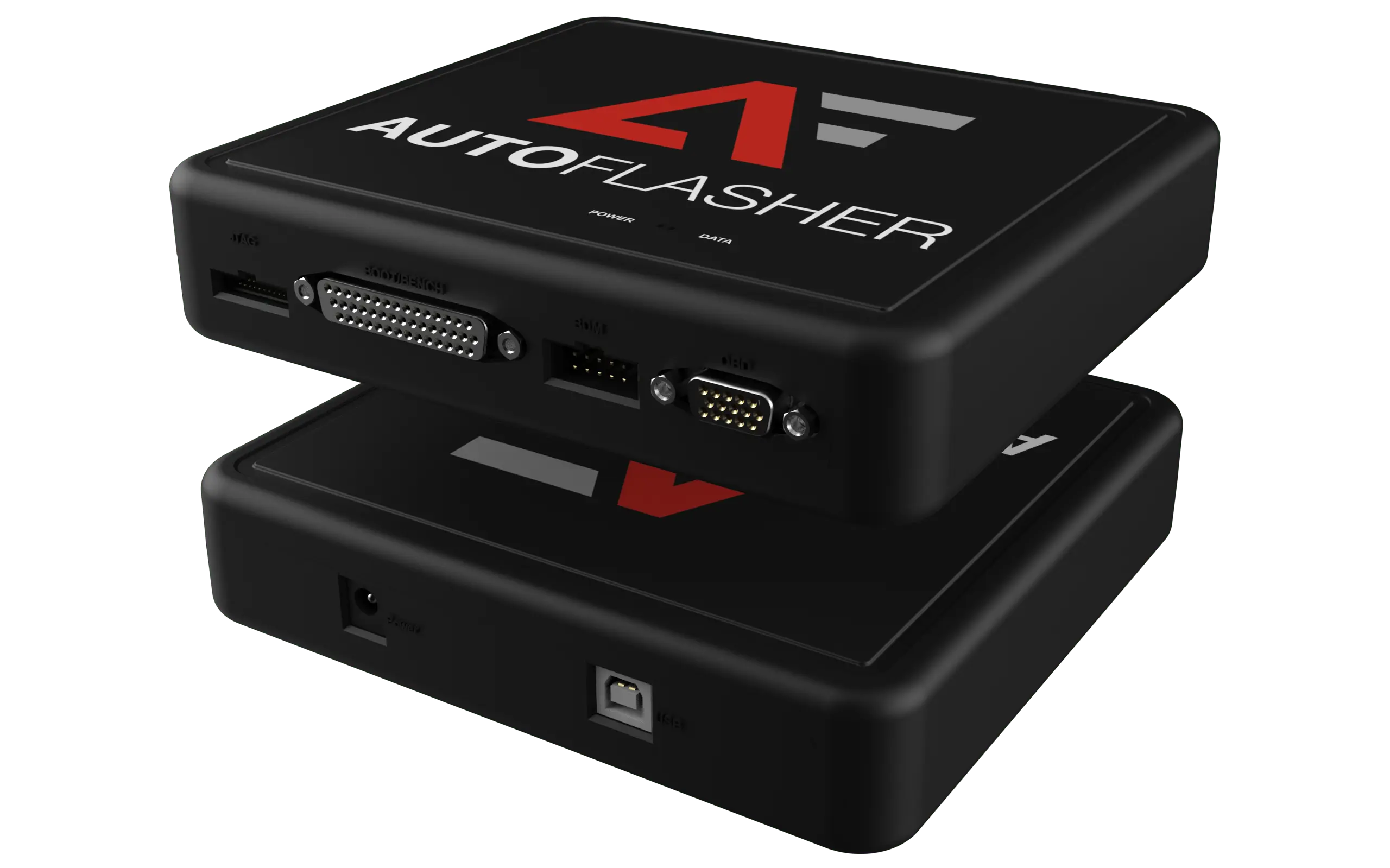
Backup first. Transfer only after verification.
The workflow
in the workshop.
// STEP 01BACKUP
Back up the old unit
Read the full backup, save the original state and correctly assign the vehicle data.
// STEP 02CHECK
Verify the data
Check the module, data version, immobiliser and write path before anything is transferred.
// STEP 03TRANSFER
Transfer
Write the approved data to the replacement unit and log every single step.
// STEP 04FINAL
New backup
Back up the target unit, verify the result and document the case cleanly for future work.